Important information on how to access OpenTranscribe!
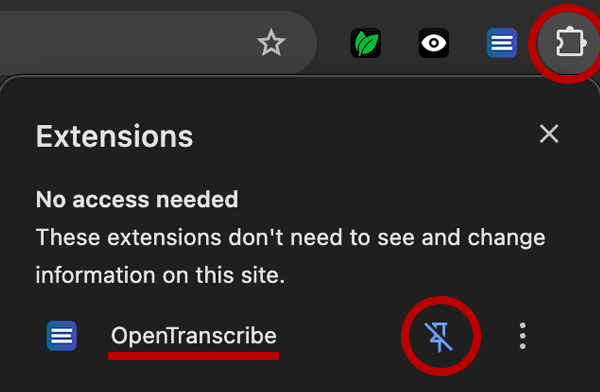
To open the extension, click the puzzle piece icon to the right of your browsers address bar and locate OpenTranscribe. Click the push pin icon next to its name to add it to your toolbar for easy access whenever you need.
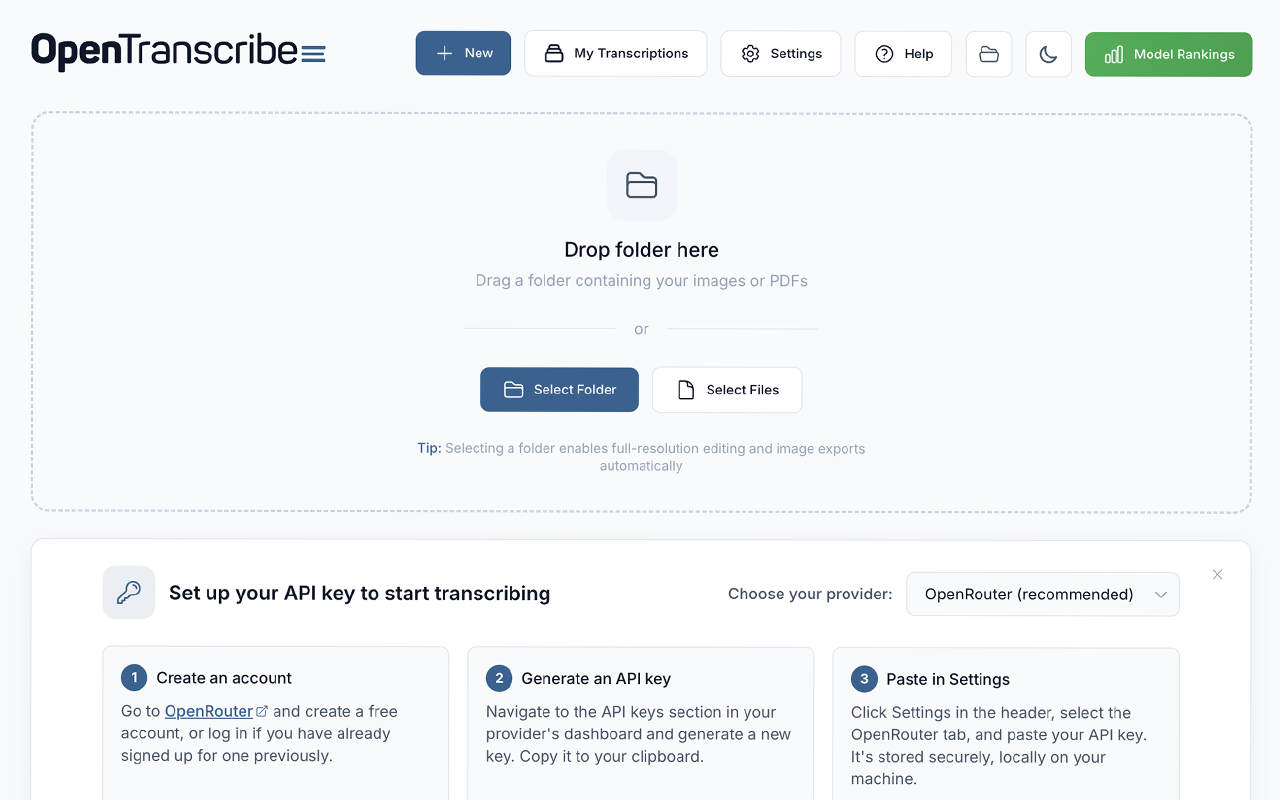
Transform handwritten documents into searchable text transcriptions using 100+ public, open AI models!
OpenTranscribe is a free browser extension that helps genealogists, historians, and researchers transcribe large collections of historical documents using public, open AI models. Simply drag and drop a folder of images, select your AI model, and let OpenTranscribe get to work.
Here’s why OpenTranscribe is a great choice for handwriting transcription:
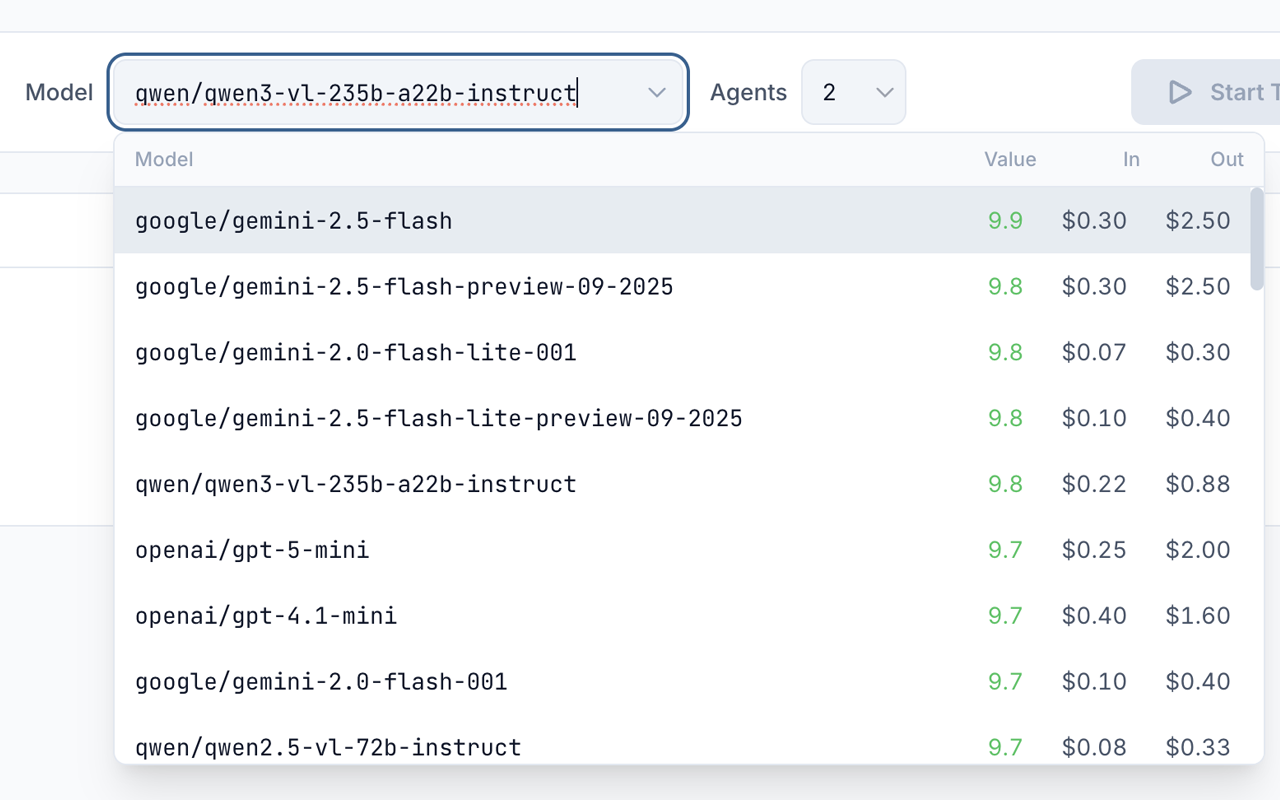
- Choose from 100+ AI models via OpenRouter, Google Gemini, OpenAI, or Anthropic, with rankings to help pick the best one.
- Enable Smart Adjust with one click to automatically optimize your images, so AI models can read them more accurately.
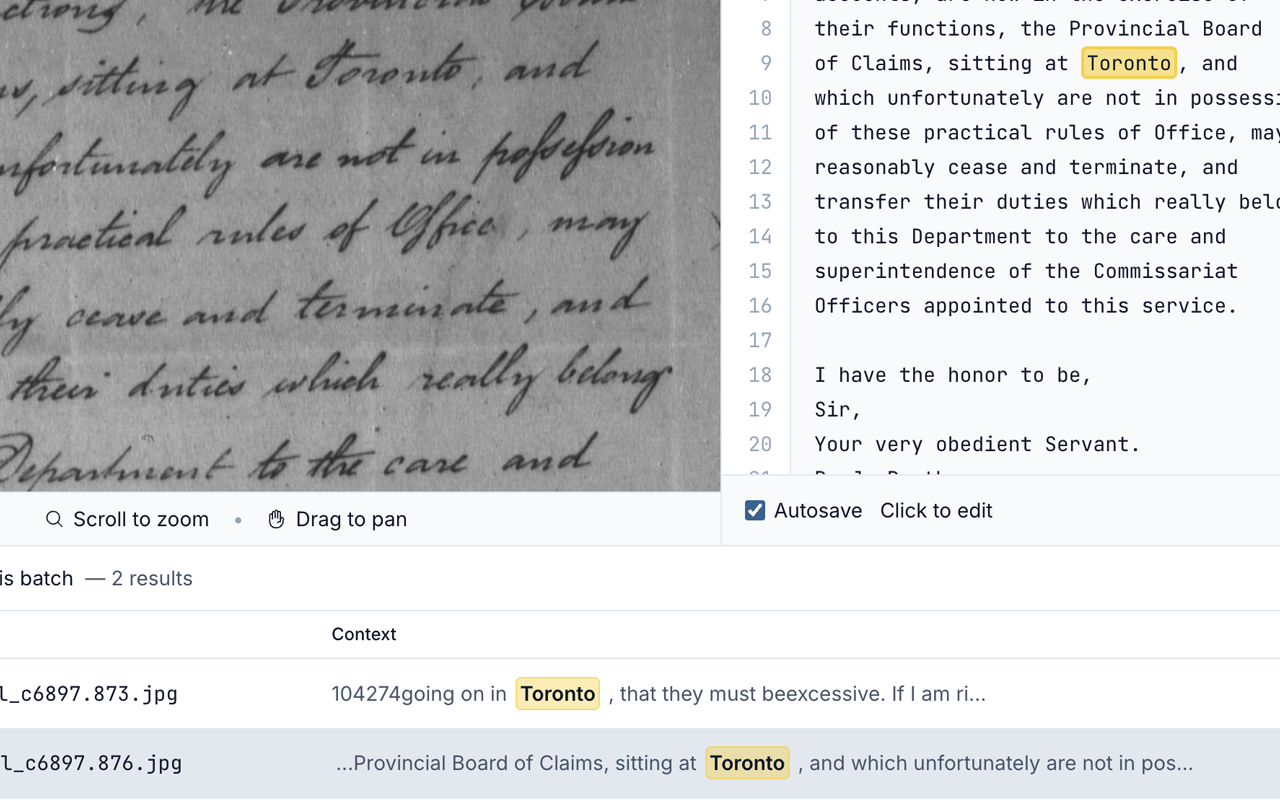
- Search your entire transcription library by keyword at lightning speed, with live highlighting and keyboard navigation.
- Use the handy built-in editor to correct or reprocess your transcriptions in a side by side view with the original image.
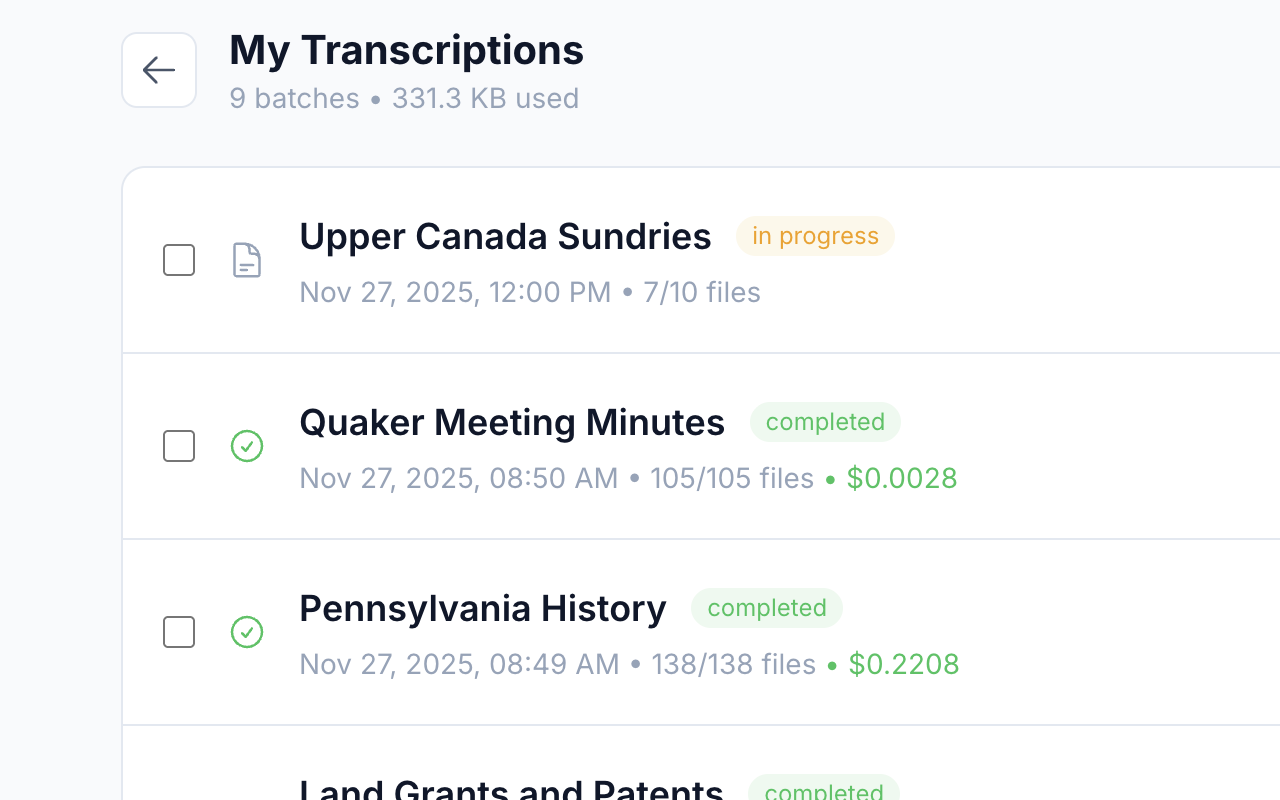
- Drag and drop entire folders into OpenTranscribe, enabling you to process thousands of images within a single batch.
- Process multiple transcriptions simultaneously with our configurable agents, helping to maximize efficiency and save time.
- Export as PDFs with or without the source images, plain text, CSV, or XML files for seamless integration with your workflow.
Researchers love OpenTranscribe because it’s open, affordable and customizable. Transcribe hundreds of pages for less than one dollar (USD) using accurate, budget-friendly models like Gemini 2.5 Flash, with prompts and parameters that can be easily modified.
OpenTranscribe is designed for:
- Genealogists transcribing historical documents.
- Historians working with archival collections.
- Researchers processing large document sets.
- Anyone with handwritten documents they need to read.
Using this extension is easy!
- Select a folder of images to transcribe and choose a model.
- Optionally preprocess your images for clarity with Smart Adjust.
- Click “Start Transcription” and your results will appear.
- Search, edit, and export your results in multiple formats.
What file formats are supported?
Transcribe: JPG, PNG, and PDF files. Multi-page PDFs will be split into individual files.
Export: PDFs (with or without images), merged or individual TXT files, CSV, and XML.
How much does it cost?
Some built-in model options, like Google’s Gemini 2.5 Flash, can transcribe 100 images for less than 25 cents (USD). OpenTranscribe requires an API key from your chosen AI provider and costs are paid directly to them based on the model you select.
View our AI model recommendations and benchmark rankings
Is OpenTranscribe secure?
Yes! OpenTranscribe runs entirely on your computer. Your documents and API keys never leave your machine except when they are sent directly to the AI provider of your choice.
All transcription batches are saved as local files in your working directory. You control where this data lives and can back it up, move it or delete it at any time.
OpenTranscribe does not collect, store, or have access to your documents, transcriptions or API keys.
We are here to help!
- Click the “Help” button at the top of any page for support and frequently asked questions.
- If you are experiencing a bug in OpenTranscribe, click “Report a bug” on the Help page or use our feedback form.
- Send support or feedback emails to hello@genea.ca