


What problem does FamilyTreeDNA Match List Improvements solve?
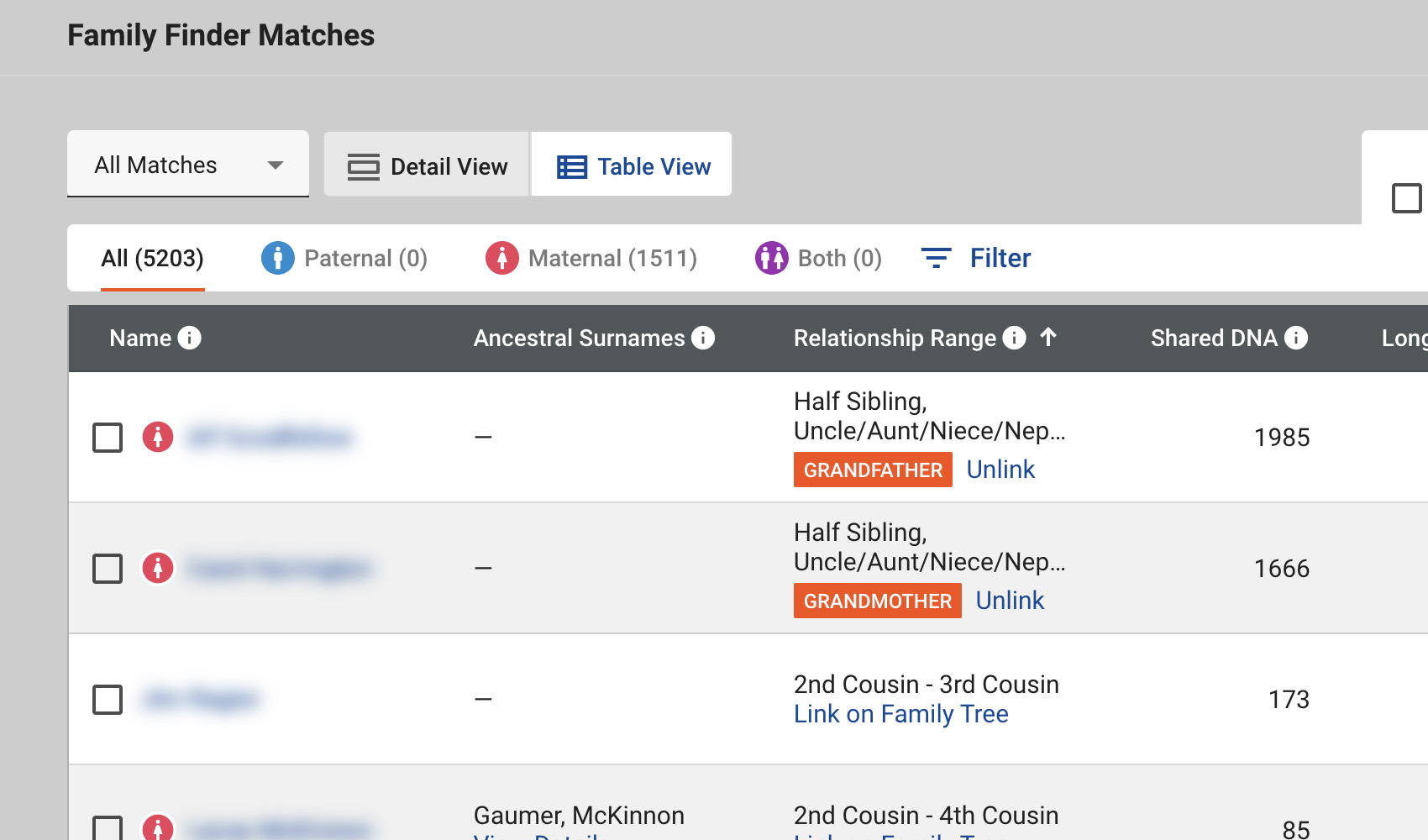
The default FamilyTreeDNA matches list has very low contrast, making it hard to scan through your matches and pick out the ones you care about. FamilyTreeDNA Match List Improvements applies a set of small visual tweaks to the matches page so the toolbar, search box, tab links and tree-relationship pills all stand out more clearly.
How does FamilyTreeDNA Match List Improvements work?
Whenever you open your FamilyTreeDNA Family Finder matches list, Genealogy Assistant injects a small stylesheet that updates the background and text styling of the toolbar, search field and match cards. Tree-relationship indicators are highlighted in the FamilyTreeDNA orange so they are easier to spot, the matches header is bolded, and the toggle buttons above the list are restyled for clearer contrast. There is no setting to adjust. The styling is applied automatically as long as the feature is enabled.
How do I use FamilyTreeDNA Match List Improvements?
- Ensure FamilyTreeDNA Match List Improvements is enabled in the Genealogy Assistant pop-up panel.
- Navigate to your FamilyTreeDNA Family Finder matches list. The improved styling will apply automatically.
FamilyTreeDNA Match List Improvements is a feature of the software Genealogy Assistant.
Genealogy Assistant is an extension for Google Chrome, Mozilla Firefox, Microsoft Edge and Apple Safari which supercharges your family history research by adding over 100 custom features to popular genealogy websites like Ancestry, MyHeritage, FamilySearch, FamilyTreeDNA and more. You can watch a full video walkthrough on YouTube.
Install Genealogy Assistant for Google Chrome | Install for Mozilla Firefox | Install for Microsoft Edge | Install for Apple Safari