


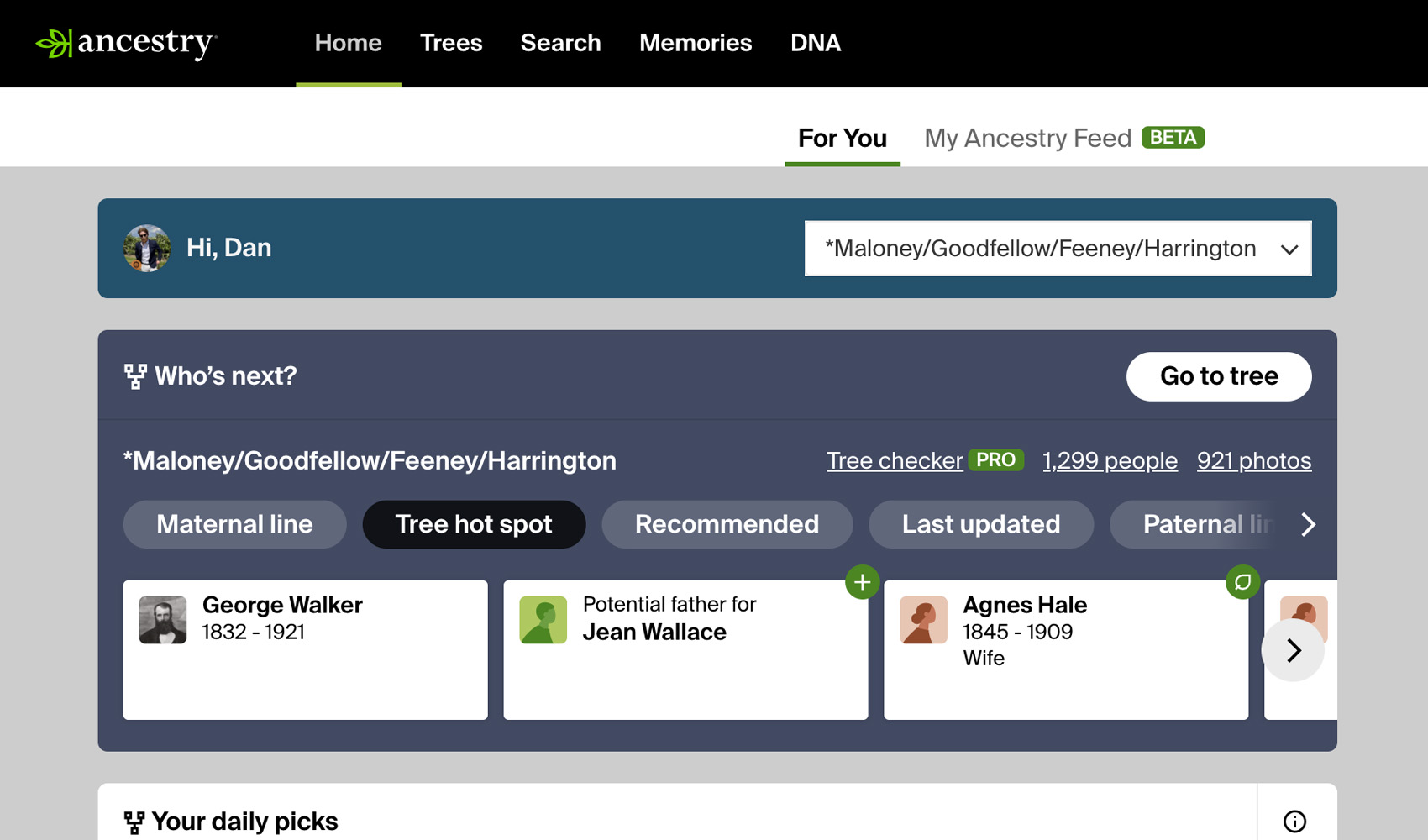
What problem does Ancestry Colour Scheme solve?
The default Ancestry interface is bright white, which can be hard on the eyes during long research sessions. Ancestry Colour Scheme replaces the bright whites with darker tones across the entire site so you can spend more time on the page without eye strain.
How does Ancestry Colour Scheme work?
A high-contrast dark theme is applied to the Ancestry website automatically. The styling covers the homepage, your dashboard, family tree pages, profile pages, search results, the card catalog, the image viewer, ThruLines, and DNA matches lists, so the look is consistent everywhere on Ancestry. There are no settings to configure. The theme is on whenever the feature is enabled.
How do I use Ancestry Colour Scheme?
- In the pop-up panel, ensure Ancestry Colour Scheme is enabled.
- Open any page on Ancestry. The dark theme will be applied immediately.
Related features
- FamilyTreeDNA Match List Improvements: Darkens the background of FamilyTreeDNA matches lists to reduce eye strain, and gives connected matches an orange relationship tag that is easy to spot.
- Family Tree Screenshot Tools: Clear the hint icons and navigation from your family tree for a clean screenshot, or switch it to a black-and-white version made for printing.
- Custom Tree Viewing Options: Applies your preferred Tree viewing options, such as showing all spouses, to each tree the first time you open it, instead of setting every tree by hand.
Ancestry Colour Scheme is a feature of the software Genealogy Assistant.
Genealogy Assistant is an extension for Google Chrome, Mozilla Firefox, Microsoft Edge and Apple Safari which supercharges your family history research by adding over 100 custom features to popular genealogy websites like Ancestry, MyHeritage, FamilySearch, FamilyTreeDNA and more. You can watch a full video walkthrough on YouTube.
Install Genealogy Assistant for Google Chrome | Install for Mozilla Firefox | Install for Microsoft Edge | Install for Apple Safari