

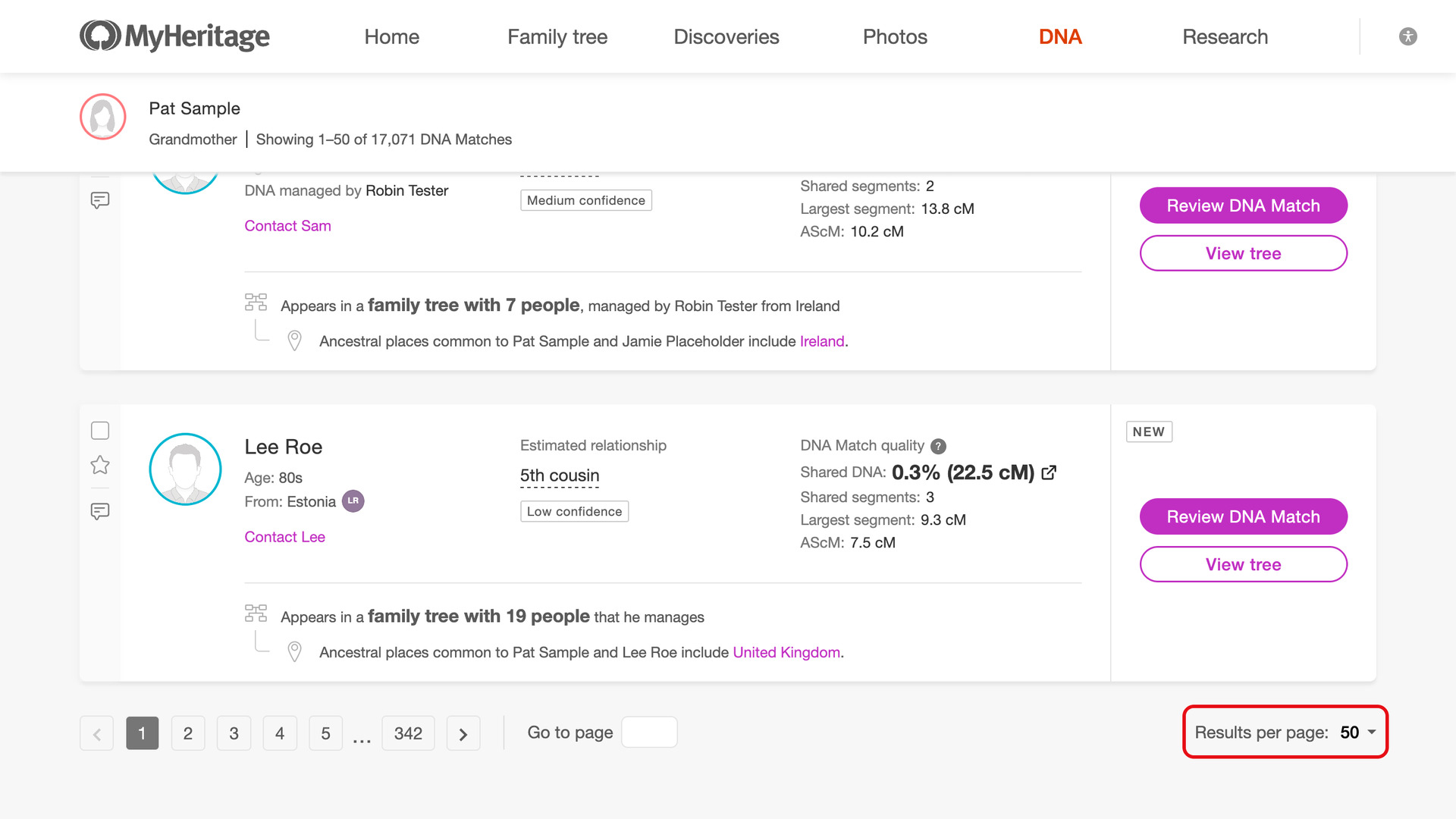
What problem does MyHeritage Always Display 50 Matches in List solve?
MyHeritage Always Display 50 Matches in List opens your MyHeritage DNA matches list with 50 matches on each page instead of MyHeritage’s 10. You reach the same matches in a fifth of the pages. The tools that work one page at a time also cover five times as many matches with each click.
How does MyHeritage Always Display 50 Matches in List work?
Whenever you open your MyHeritage DNA matches list, it reloads once with 50 matches per page. It works for every DNA test you manage and keeps any filters, search or sort order you choose, so there is nothing to set each time.
How do I use MyHeritage Always Display 50 Matches in List?
- In the Genealogy Assistant pop-up panel, make sure Always Display 50 Matches in List is turned on.
- Open your MyHeritage DNA matches list. It reloads with 50 matches on each page.
Related features
- MyHeritage: Add Pagination to Top of Matches List: Move between pages of your MyHeritage matches list from the top of the page, with page buttons or by typing a page number.
- MyHeritage Add Select All Button to Matches List: A Select all matches button at the top of your MyHeritage matches list ticks every match on the page, ready to sort into DNA groups.
- MyHeritage Download Matches Pages as CSV File: Download your MyHeritage DNA matches to a CSV file, as many pages as you choose, including the average segment size (AScM) for each match.
MyHeritage Always Display 50 Matches in List is a feature of the software Genealogy Assistant.
Genealogy Assistant is an extension for Google Chrome, Mozilla Firefox, Microsoft Edge and Apple Safari which supercharges your family history research by adding over 100 custom features to popular genealogy websites like Ancestry, MyHeritage, FamilySearch, FamilyTreeDNA and more. You can watch a full video walkthrough on YouTube.
Install Genealogy Assistant for Google Chrome | Install for Mozilla Firefox | Install for Microsoft Edge | Install for Apple Safari