


What problem does Copy Surnames from Family Tree solve?
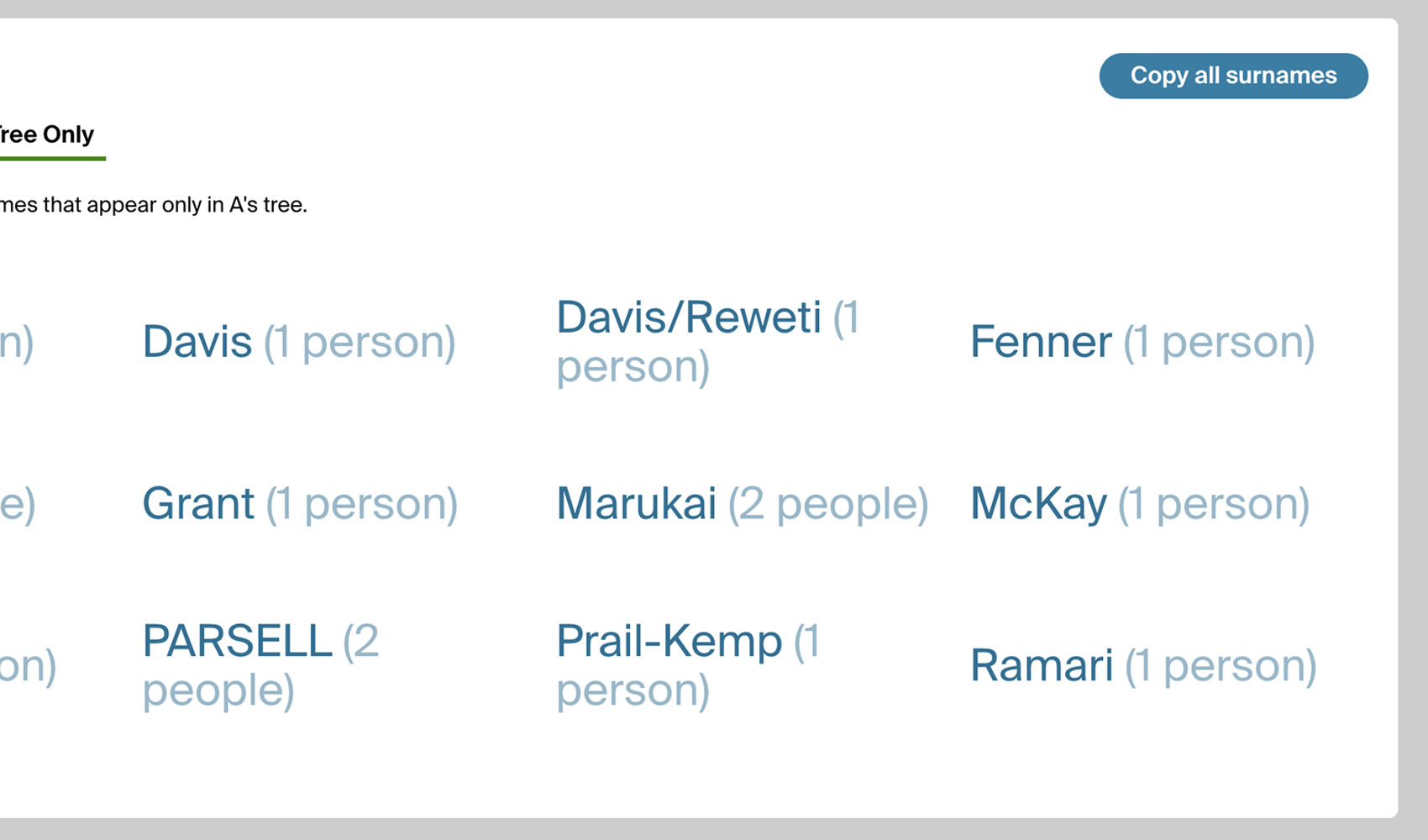
When you are comparing trees between a DNA match and yourself on Ancestry’s Compare Trees page, the surnames you share and the surnames they have are right there on screen, but there is no way to copy them to the clipboard or hand them off to another tool. Copy Surnames from Family Tree adds buttons that copy the surname lists straight to your clipboard and plug them directly into Genealogy Assistant’s Surname Comparison Tool.
How does Copy Surnames from Family Tree work?
On any match’s Compare Trees page, four buttons are added next to the surname lists:
- + Compare adds the match’s surnames to the Surname Comparison Tool under that match’s name. Any “See More” sections are expanded first so every surname is captured.
- View Surname Comparison Tool opens the Surname Comparison Tool in a panel so you can see how this match’s surnames line up with every other match you have added.
- Copy All copies every surname from the match’s tree to your clipboard.
- Copy Shared copies only the surnames that appear in both trees.
How do I use Copy Surnames from Family Tree?
- Ensure Copy Surnames from Family Tree is enabled in the Genealogy Assistant pop-up panel.
- Open a DNA match and click Compare Trees.
- Click + Compare to add the match to the Surname Comparison Tool, or click Copy All or Copy Shared to copy the surnames to the clipboard.
- Click View Surname Comparison Tool at any time to see every match you have added so far.
Copy Surnames from Family Tree is a feature of the software Genealogy Assistant.
Genealogy Assistant is an extension for Google Chrome, Mozilla Firefox, Microsoft Edge and Apple Safari which supercharges your family history research by adding over 100 custom features to popular genealogy websites like Ancestry, MyHeritage, FamilySearch, FamilyTreeDNA and more. You can watch a full video walkthrough on YouTube.
Install Genealogy Assistant for Google Chrome | Install for Mozilla Firefox | Install for Microsoft Edge | Install for Apple Safari