


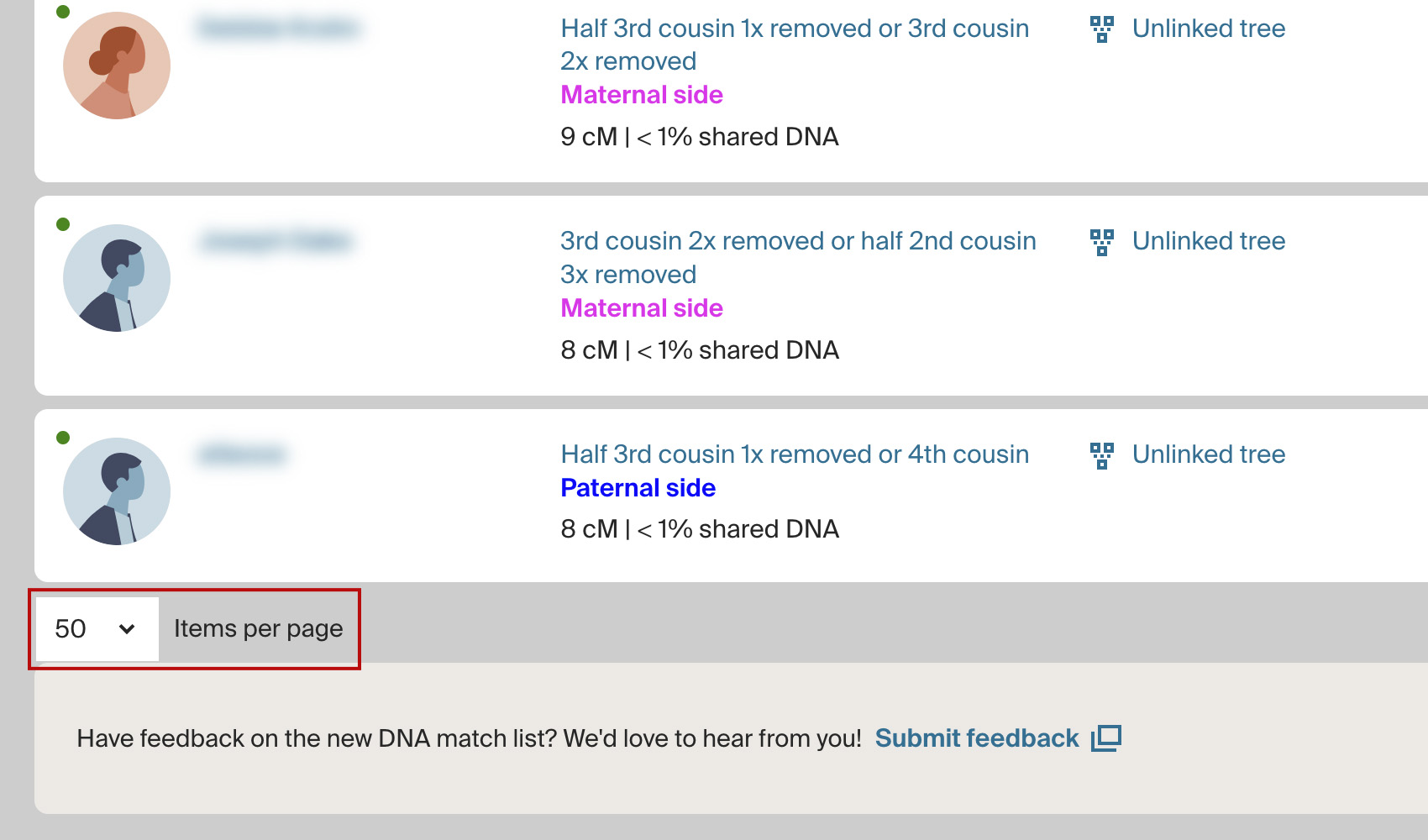
What problem does Always Display 50 Matches in List solve?
Ancestry’s match list shows 25 matches per page by default, which doubles the number of pages you have to click through and halves the efficiency of every other Genealogy Assistant feature that works on the list. Always Display 50 Matches in List raises the page size to 50 so you are always looking at twice as many matches at once.
How does Always Display 50 Matches in List work?
Whenever you open your AncestryDNA match list, the page size is automatically set to 50 matches. Every page of results after that also shows 50 matches, so any filtering, selecting, highlighting, or CSV downloading you do covers twice as much ground per page.
How do I use Always Display 50 Matches in List?
- Ensure Always Display 50 Matches in List is enabled in the Genealogy Assistant pop-up panel.
- Open your AncestryDNA match list. Every page will show 50 matches instead of 25.
Related features
- Always Display 50 Shared Matches: Shows 50 Ancestry shared matches per page instead of 20.
- Add Pagination to Top of Matches List: Adds page buttons and a page number box to the top of your AncestryDNA matches list, so changing pages no longer means scrolling to the bottom.
- Ancestry Match List Sorting: Choose whether your Ancestry DNA matches list opens with your newest matches or your closest matches first, using a toggle in the Genealogy Assistant pop-up.
Always Display 50 Matches in List is a feature of the software Genealogy Assistant.
Genealogy Assistant is an extension for Google Chrome, Mozilla Firefox, Microsoft Edge and Apple Safari which supercharges your family history research by adding over 100 custom features to popular genealogy websites like Ancestry, MyHeritage, FamilySearch, FamilyTreeDNA and more. You can watch a full video walkthrough on YouTube.
Install Genealogy Assistant for Google Chrome | Install for Mozilla Firefox | Install for Microsoft Edge | Install for Apple Safari