


What problem does Index DNA Tests in Quick Search solve?
If you manage several Ancestry DNA tests across your family, switching between them means going back to the DNA Settings page and clicking through to the right test every time. Index DNA Tests in Quick Search keeps a list of every DNA test on your account so you can jump straight to any of them from the Quick Search prompt.
How does Index DNA Tests in Quick Search work?
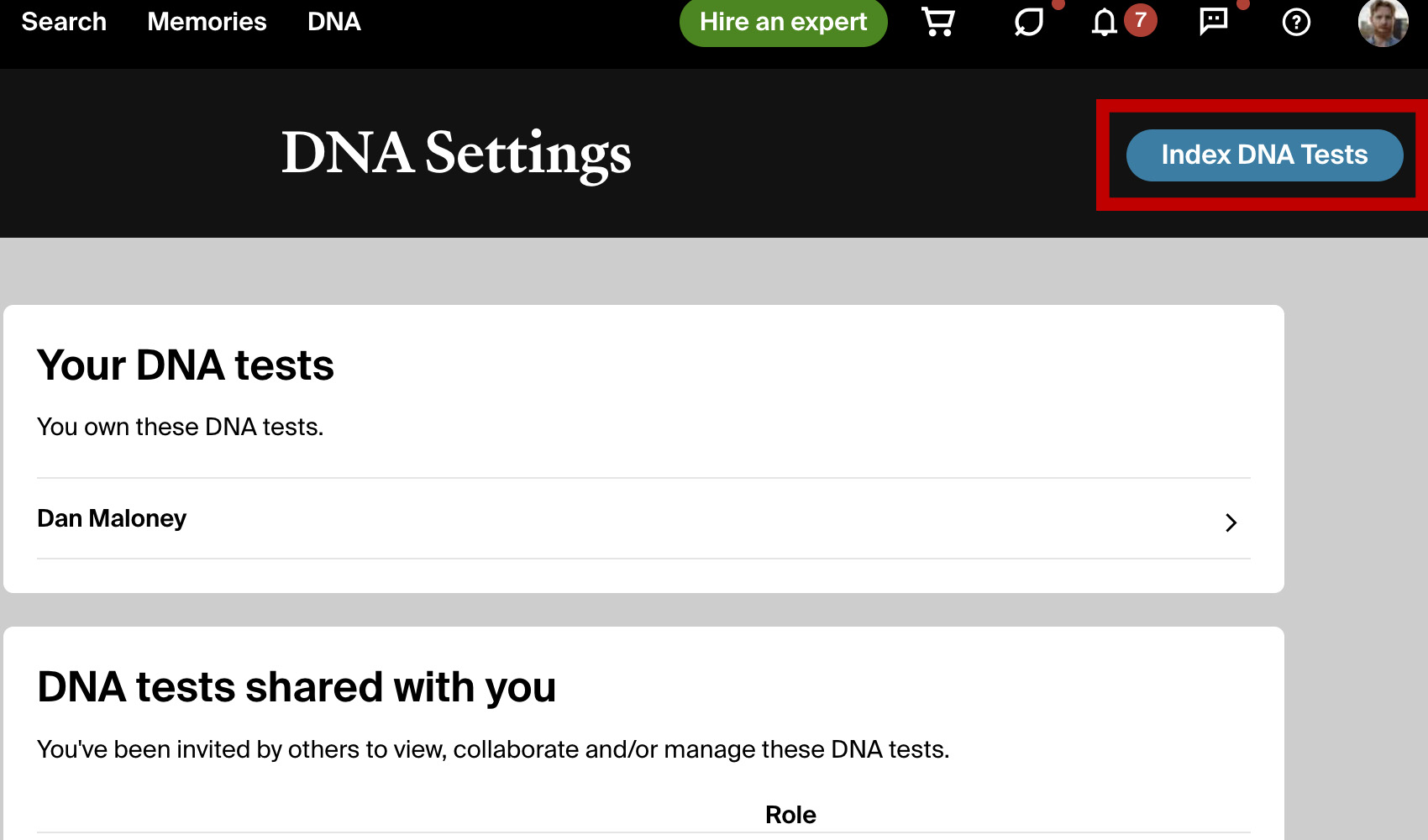
A button is added to the DNA settings page labeled Index DNA Tests. Your DNA tests are indexed automatically and refreshed about every six hours; the button refreshes the list on demand. Open the match list of a test by typing “dna” followed by the test name into Quick Search.
The list is refreshed about every six hours, and again each time you open the DNA Settings page, so a test that is added to your account or shared with you appears in Quick Search on its own. The Index DNA Tests button (labelled Rebuild Index once a list exists) refreshes it immediately. In the Quick Search prompt, type dna followed by a test name, highlight the test and press Enter to open its match list.
How do I use Index DNA Tests in Quick Search?
- Ensure Index DNA Tests in Quick Search is enabled in the Genealogy Assistant pop-up panel.
- Open the DNA Settings page on Ancestry. The list refreshes on its own; click Index DNA Tests (or Rebuild Index) if you want to refresh it right away.
- Open the Quick Search prompt with
Alt+Q(orOption+Qon a Mac), typednafollowed by the test name, and pressEnteron the highlighted result to open it. - To see how many tests are indexed and when they were last checked, open the Quick Search settings from the Settings link in the prompt or the Quick Search section of the Advanced Settings page.
Index DNA Tests in Quick Search is a feature of the software Genealogy Assistant.
Genealogy Assistant is an extension for Google Chrome, Mozilla Firefox, Microsoft Edge and Apple Safari which supercharges your family history research by adding over 100 custom features to popular genealogy websites like Ancestry, MyHeritage, FamilySearch, FamilyTreeDNA and more. You can watch a full video walkthrough on YouTube.
Install Genealogy Assistant for Google Chrome | Install for Mozilla Firefox | Install for Microsoft Edge | Install for Apple Safari