


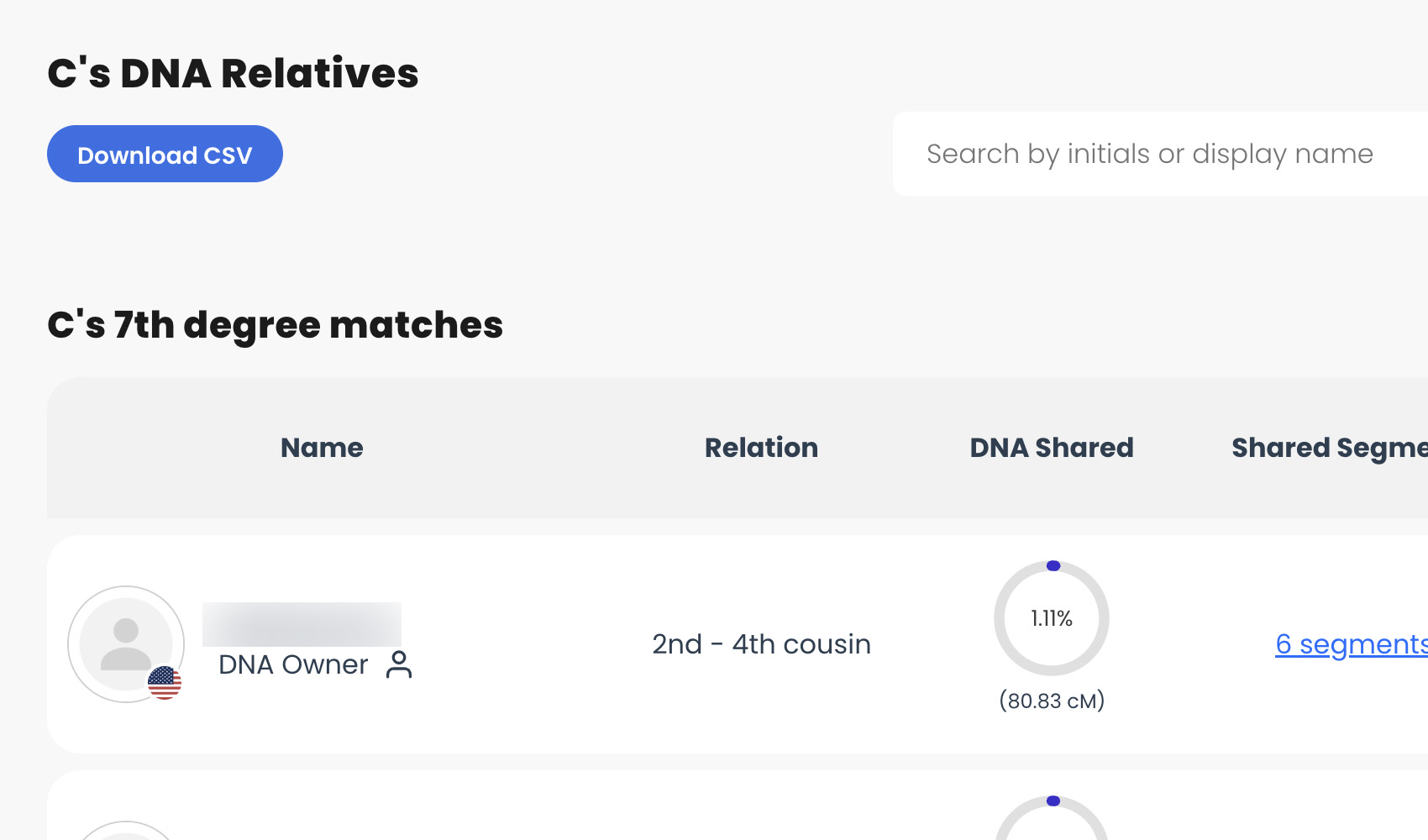
What problem does LivingDNA: Download Match List as CSV solve?
LivingDNA gives you no way to export your DNA relatives, so the only way to work with your matches is to read them 50 at a time in the browser. LivingDNA: Download Match List as CSV adds a download button above the list that saves every match to a single spreadsheet, so you can sort, filter, and compare your results in whatever tool you already use.
How does LivingDNA: Download Match List as CSV work?
A button titled Download CSV is added above your DNA relatives list on LivingDNA. Clicking it saves your entire match list to a CSV file, following the sort order and any search term you currently have applied. The file also includes details LivingDNA does not show on the page, such as the largest segment you share with each match in centimorgans.
There is no page count to enter. The whole list is collected in one go, however many matches you have. A progress overlay reports how many matches have been collected out of your total, with a Cancel Download button if you want to stop early. The filename includes your name and test ID, so downloads for different kits stay separate and you can keep dated snapshots to compare over time.
Because the download follows what is on screen, you can narrow it before you start. Choose a different option under Sort By and the rows come out in that order. Type a name into the search box above the list and only the matching relatives are saved.
How do I use LivingDNA: Download Match List as CSV?
- Ensure LivingDNA: Download Match List as CSV is enabled in the Genealogy Assistant pop-up panel.
- Open your LivingDNA relatives list at Family Matching, then Relatives List.
- (Optional) Choose a different Sort By option, or type a name into the search box, to change what gets saved.
- Click Download CSV above the list. The progress overlay shows how many matches have been collected. Click Cancel Download to stop early.
- When the download completes, the CSV file will be saved to your downloads folder.
CSV Columns
- Match Name
- Relation
- Degree
- Shared cM
- Shared Percentage
- Shared Segments
- Largest Segment cM
- Shared Matches
- Country
- Date of Birth
- Date Added
- Activity
- Role
- Y Haplogroup
- mtDNA Haplogroup
- Barcode
- URL
Some columns depend on what each match has chosen to share. Haplogroups and dates are only filled in where LivingDNA holds them for that person, so it is normal to see blanks.
NOTICE: CSV DOWNLOAD TOOLS ARE FOR PERSONAL RESEARCH PROJECTS ONLY.
LivingDNA: Download Match List as CSV is a feature of the software Genealogy Assistant.
Genealogy Assistant is an extension for Google Chrome, Mozilla Firefox, Microsoft Edge and Apple Safari which supercharges your family history research by adding over 100 custom features to popular genealogy websites like Ancestry, MyHeritage, FamilySearch, FamilyTreeDNA and more. You can watch a full video walkthrough on YouTube.
Install Genealogy Assistant for Google Chrome | Install for Mozilla Firefox | Install for Microsoft Edge | Install for Apple Safari