

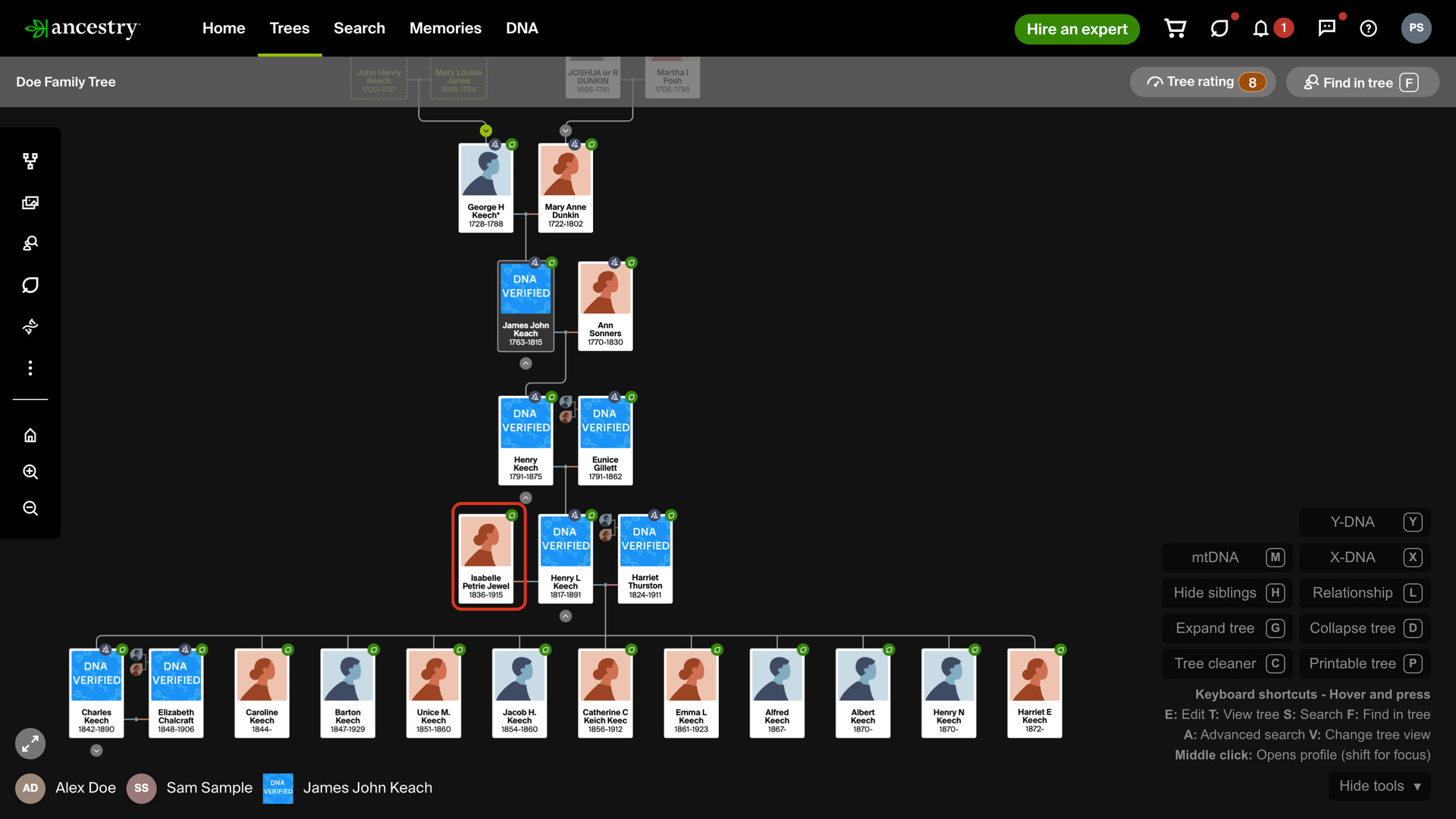
What problem does Custom Tree Viewing Options solve?
Custom Tree Viewing Options applies your choice of Ancestry’s Tree viewing options to every family tree you open, so all spouses show from the start. Ancestry keeps these options separately for each tree, and each new tree starts with extra spouses hidden until you change it.
How does Custom Tree Viewing Options work?
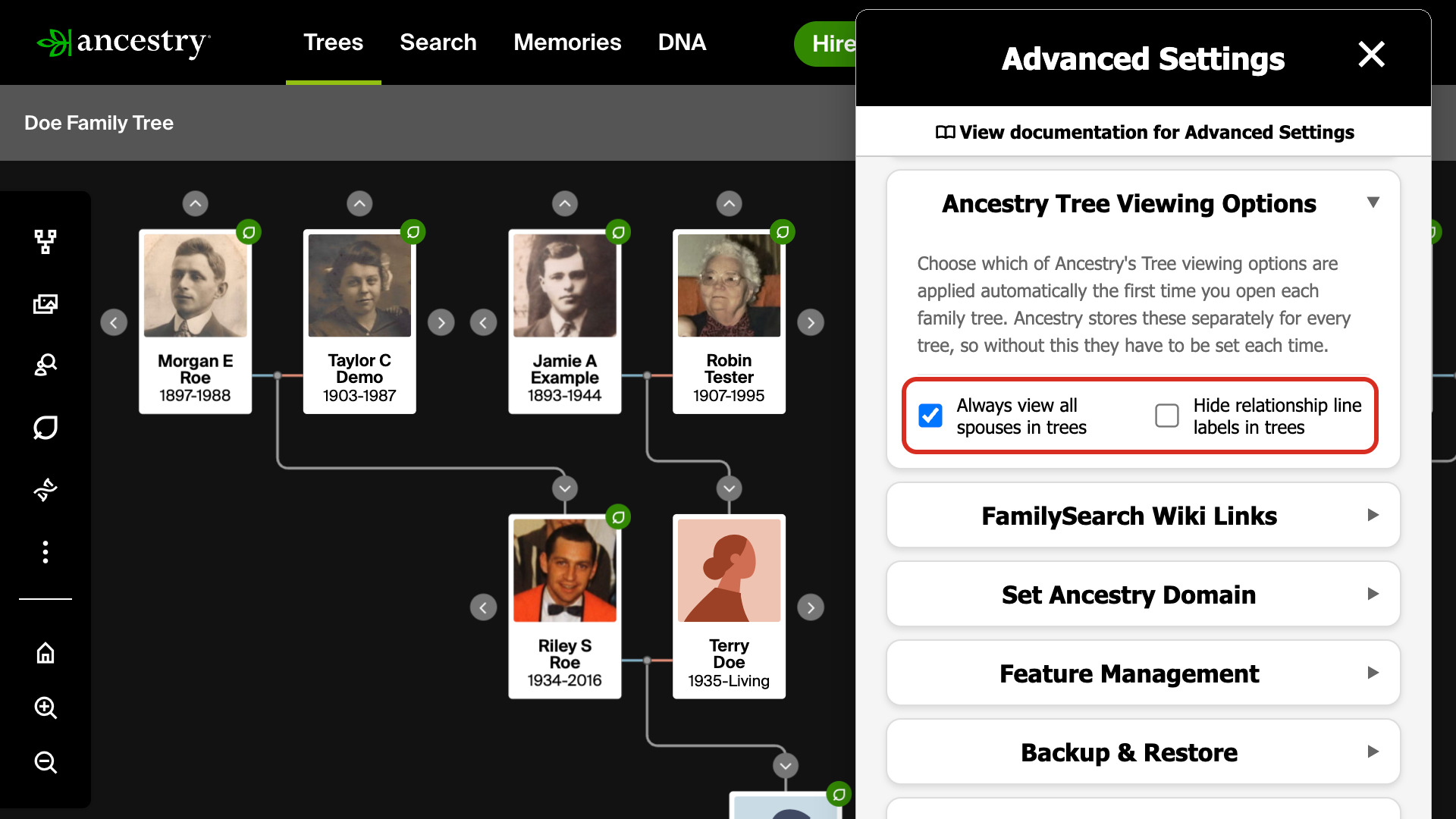
On Ancestry these options sit under More and then Tree viewing options on each tree. This feature sets these two for you as the tree opens, so it is drawn the way you want from the first moment:
- Always view all spouses in trees shows every marriage as the tree loads, so second and later spouses appear beside the person. It is on by default.
- Hide relationship line labels in trees removes the small captions on the lines between generations that name each relationship. It is off by default.
Your choices are saved to your Ancestry account exactly as if you had set them yourself. They show under Tree viewing options on Ancestry, and they stay in place when you open the same tree on another computer.
An option you have ticked is applied again every time you open a tree. To set it differently on one tree, untick it on the Advanced Settings page first, then change it on Ancestry under Tree viewing options.
How do I use Custom Tree Viewing Options?
- In the Genealogy Assistant pop-up panel, make sure Custom Tree Viewing Options is turned on.
- Open any Ancestry family tree. It opens with your chosen options already applied.
- To choose the options, click the settings icon next to Custom Tree Viewing Options in the pop-up panel. Advanced Settings opens at Ancestry Tree Viewing Options.
- Tick or untick Always view all spouses in trees and Hide relationship line labels in trees. Each change saves as soon as you click it.
- Reload your family tree to see the change.
Related features
- Easy Hide and Expand in Family Tree: Expand tree, Collapse tree and Hide siblings buttons open or close one generation at a time in the vertical view, so you can stay focused on a direct line.
- Family Tree Screenshot Tools: Clear the hint icons and navigation from your family tree for a clean screenshot, or switch it to a black-and-white version made for printing.
- Search Ancestry Family Trees by Name: Find any of your trees, or a tree shared with you, by typing its name into a search box on the Create and Manage Trees page or into Quick Search.
Custom Tree Viewing Options is a feature of the software Genealogy Assistant.
Genealogy Assistant is an extension for Google Chrome, Mozilla Firefox, Microsoft Edge and Apple Safari which supercharges your family history research by adding over 100 custom features to popular genealogy websites like Ancestry, MyHeritage, FamilySearch, FamilyTreeDNA and more.
Install Genealogy Assistant for Google Chrome | Install for Mozilla Firefox | Install for Microsoft Edge | Install for Apple Safari