

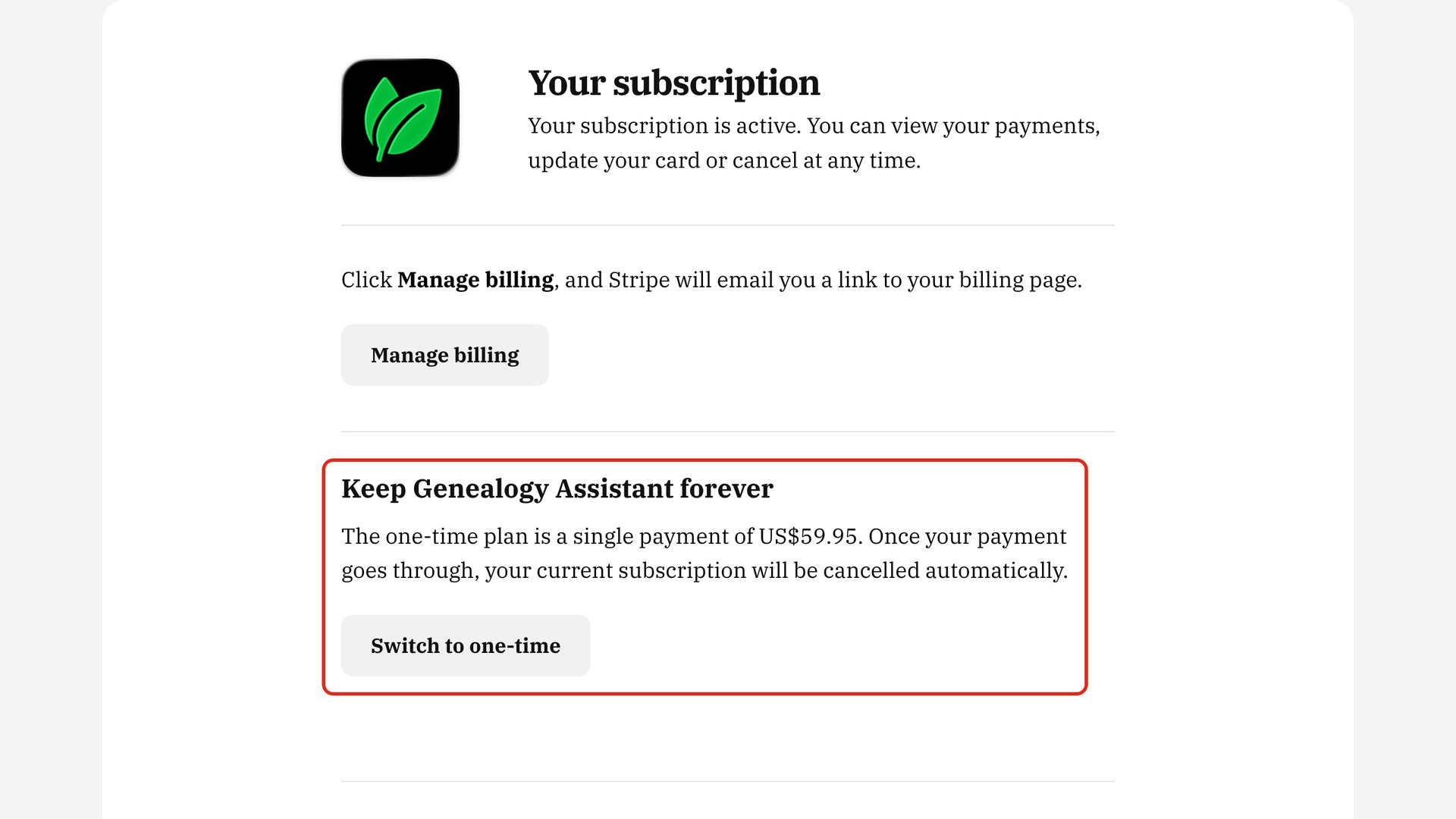
This guide moves a monthly or yearly subscription to the one-time plan, a single payment of US$59.95. You switch from your account page, and once the payment goes through, your subscription is cancelled automatically.
How do I switch to the one-time plan?
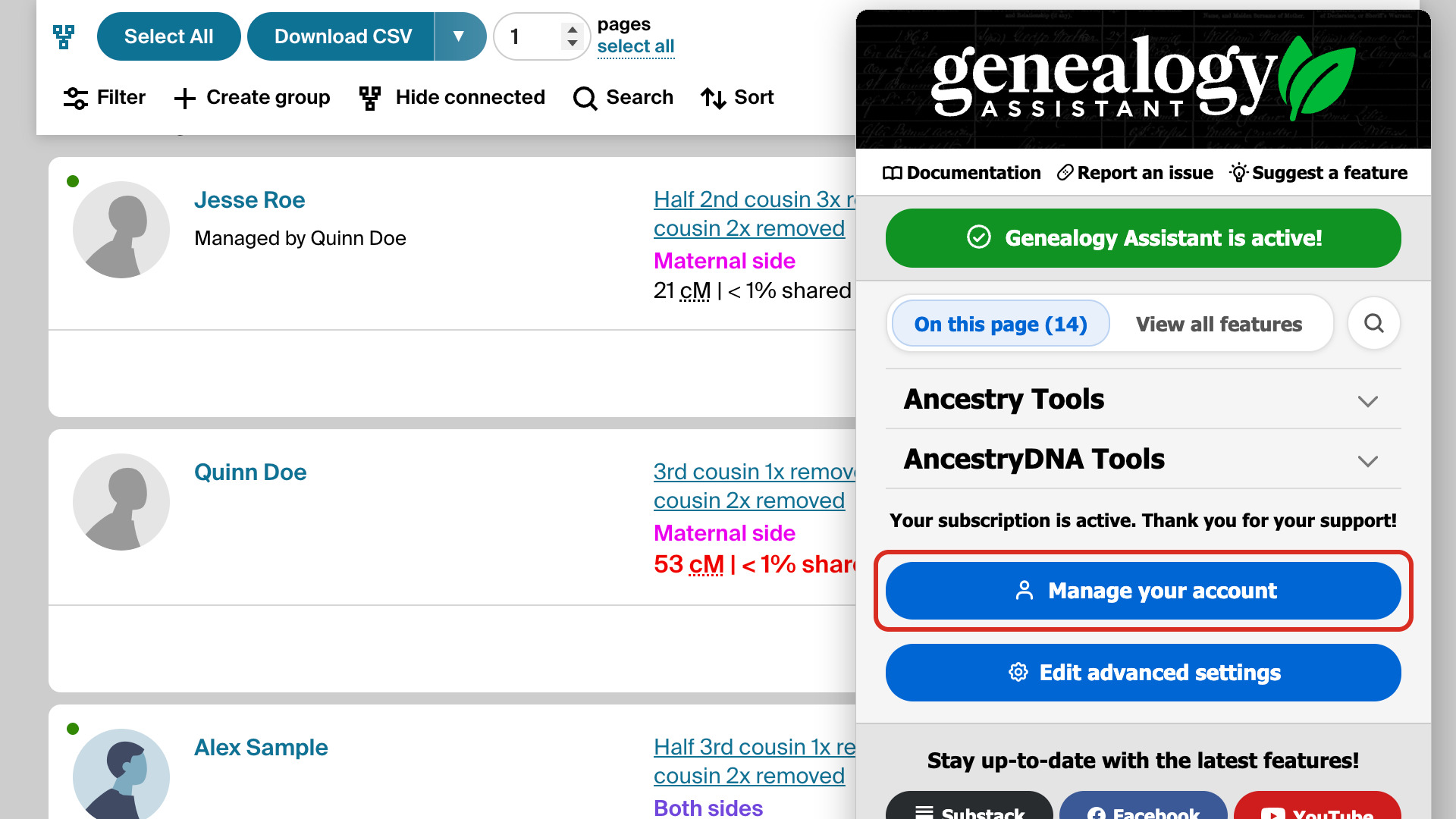
- Click the Genealogy Assistant icon in your browser’s toolbar to open the pop-up panel.
- At the bottom of the pop-up panel, click Manage your account. Your account page opens in a new tab.
- Under Keep Genealogy Assistant forever, click Switch to one-time. A secure payment page from Stripe, our payment processor, opens in a new tab with your account email address filled in.
- Type your credit card details and click Pay.
- Once the payment goes through, your subscription is cancelled automatically. Click the Genealogy Assistant icon again. The bottom of the pop-up panel reads You have purchased Genealogy Assistant. Thank you!
The time left on your current subscription period is not refunded. Stripe emails you a receipt for the one-time payment, and Genealogy Assistant keeps working the whole time, with every setting as you left it.
What if my subscription is still listed?
If your account page says your earlier subscription is still active, click Manage billing. Stripe emails you a link to your billing page, where you can cancel it. If anything looks wrong, email us at [email protected].
If your last payment did not go through, your account page asks you to update your card first. Email us at [email protected] if you would rather switch to the one-time plan instead, and we will help.